
ByteVerify Built for agents
Your agent
can pay.
Give it a
checkpoint.
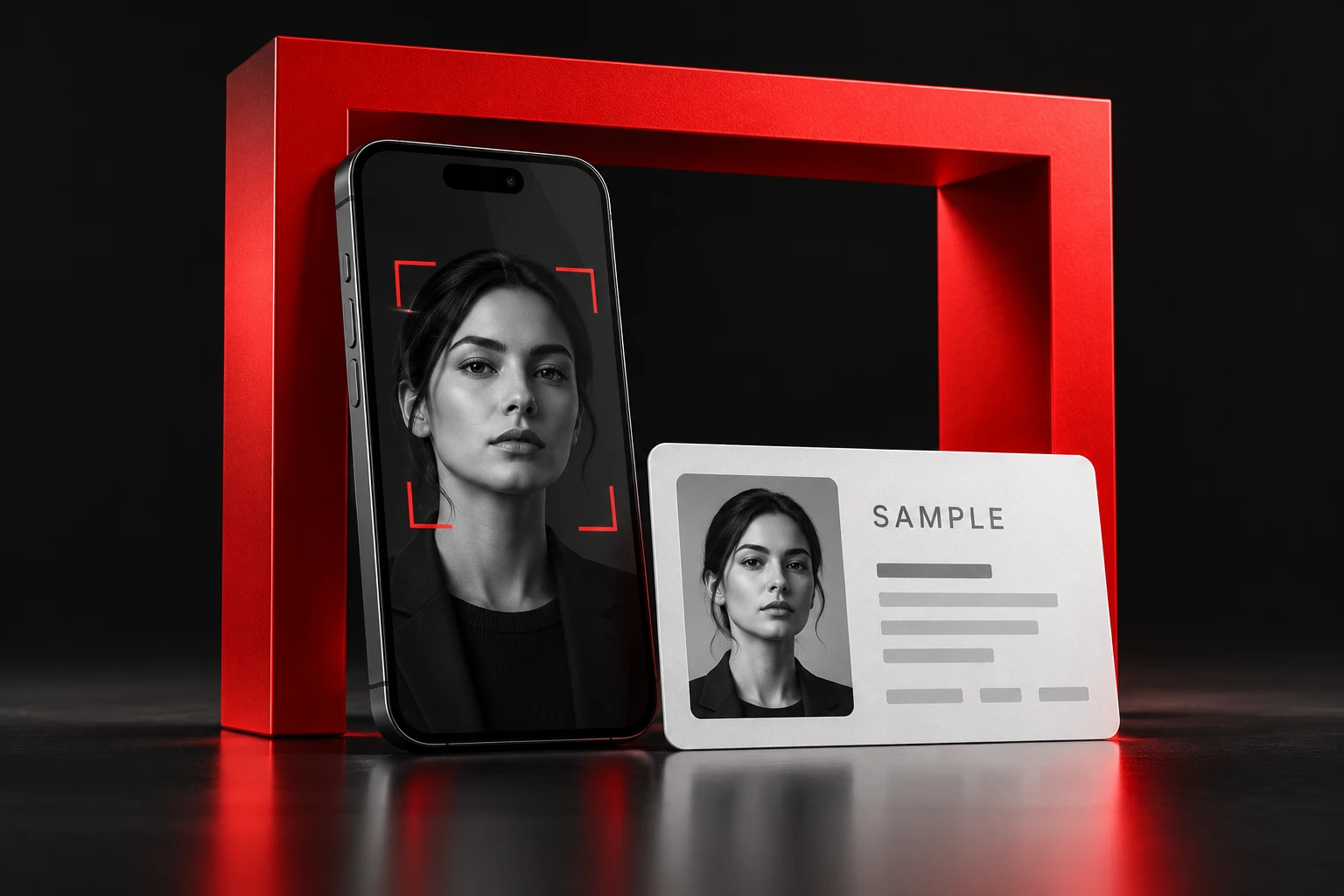
Live face-to-ID checks for $2 per check. Your agent requests it. A person completes it. Your workflow gets the result.
- Per created check
- $2.00USDC
- Agent-native payments
- x402on Base
- Start without a subscription
- No account needed
From agent action to human check
One checkpoint.
Three steps.
When your agent is working with a person on the other side, build a face-to-ID check into the handoff.
- 01
Your agent requests a check.
Pay through x402 and get a verification link. Share it with the person your workflow needs to check.
Request → verification link
- 02
A person consents and scans.
They open the link, give consent, and complete a live face scan and government ID capture in their browser.
Consent → live face + ID
- 03
Your workflow gets a result.
Receive the result by webhook or polling. Route it into your existing policy and review process before taking the next step.
Result → your decision process
A useful signal for your decision. A match is not transaction authorization, issuer validation, or full KYC. Keep your own controls around every irreversible action.
Give your agent the instructions
Start with a prompt.
Paste this into your agent to plan the integration. The instructions cover payment, verification links, and receiving results.
What you’ll need
- An agent or application that can make HTTP requests
- An x402-compatible client and a wallet with USDC on Base
- A consenting participant with a camera and government ID
$2.00 per created check, including checks that fail or expire unused. Copying these instructions does not start or charge for a check.
Your agent’s starting point
01 / SETUPRead https://api.verify.bytefederal.com/skill.md and help me integrate ByteVerify into my agent workflow. Explain the x402 setup, USDC-on-Base requirements, and $2.00 cost per created check. Start with an integration plan before creating any paid verifications.
Read the agent instructionsBefore your first check
A few useful
answers.
What does a check actually tell me?
ByteVerify checks that a live person is present and compares their face with the portrait on the government ID they present. A verified result is one input to your own review and decision process. It does not validate issuer records, provide full KYC or AML screening, authorize a transaction, or guarantee that a counterparty is trustworthy.
Do I need an account or API key?
The public x402 flow needs no ByteVerify account or API key. Your integration needs an x402-compatible client and a wallet with USDC on Base. The agent instructions explain the payment handshake and API. For API-key access, contact the team.
When am I charged?
Each check costs $2.00, paid in USDC on Base when it is created. That includes checks that fail or expire unused. There is no monthly subscription. An unopened verification link expires after 60 minutes; once started, the participant has 30 minutes to finish.
What happens to the scans and ID images?
For third-party ByteVerify checks, our published retention policy requires face scans, biometric templates, ID images and provider-held copies to be destroyed when the verification reaches its result, and no later than 24 hours afterwards. This applies to successful, failed and expired checks. The participant must consent before scanning.
Read the biometric retention policyBuild the checkpoint into your workflow.
Set up your agent